


 19/08/2025
 by Ahetesham
 Copy
Link
Copy
Link
Hey everyone! 👋 Let's have a real talk about website speed. We all know that feeling when you click a link and the page just... sits there. You wait three seconds, roll your eyes, and hit the back button.
If your WordPress site is doing that to your visitors, you are literally throwing money out the window! 💸
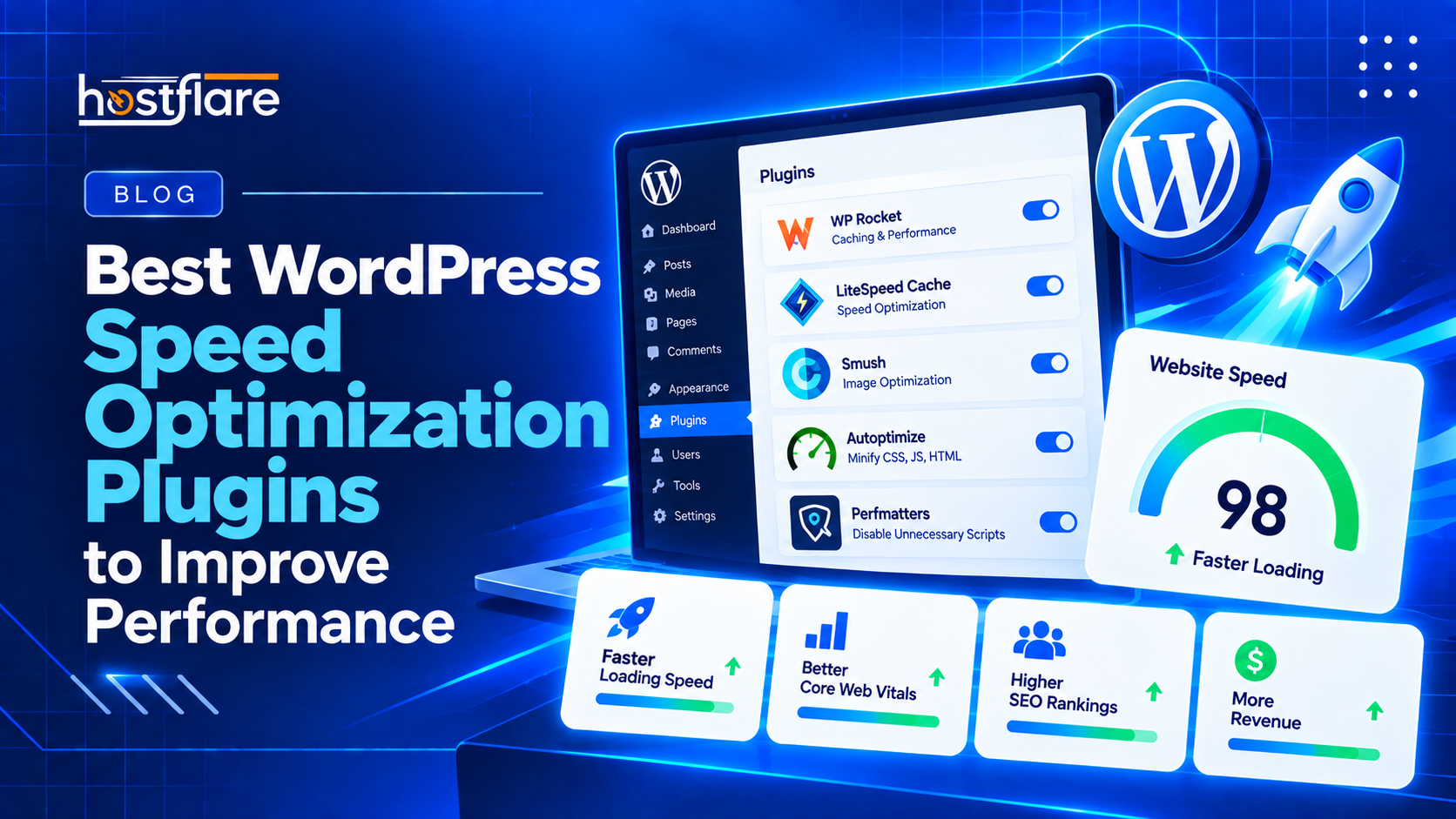
But don’t panic! You don't need to be a coding genius to fix this. You just need the right plugins. Here is a roundup of the absolute best WordPress speed optimization plugins that will take your site from a sluggish snail to a total rocket ship. 🚀
1. LiteSpeed Cache (The Overachiever 🥇)
If your host runs on a LiteSpeed web server, this plugin is an absolute no-brainer. It is basically magic.
- Why it’s awesome: Instead of just caching things at the WordPress level, it talks directly to the server to serve pages instantly. It also minifies your CSS, optimizes your images, and lazy-loads your pictures so they only load when the user scrolls down to them.
- The catch: It really only unleashes its full superpower if your web host uses LiteSpeed servers.
💡 Note: Spoiler alert: At HostFlare, we love LiteSpeed and our servers are perfectly optimized for this exact plugin! 😉
2. WP Rocket (The Premium Powerhouse 🚀)
If you don't mind spending a few bucks, WP Rocket is arguably the most famous caching plugin on the market, and for good reason.
- Why it’s awesome: It is insanely easy to set up. Most plugins require you to check 50 different boxes and hope you didn't break your site. WP Rocket applies 80% of the best practices the second you activate it. It cleans up your database, preloads your cache, and delays Javascript execution so your site feels instantly interactive.
- The catch: It’s a paid plugin (starting around $59/year). But if speed is your priority, it’s worth every penny.
3. Perfmatters (The Bloat Buster 💥)
WordPress themes and plugins love to load scripts on pages where they aren't even needed. Do you really need WooCommerce scripts loading on your "Contact Us" page? Absolutely not!
- Why it’s awesome: Perfmatters isn't a traditional caching plugin. Instead, it’s a script manager. It lets you turn off unnecessary CSS and Javascript on a page-by-page basis. It strips out the "bloat" that naturally accumulates as your site grows.
- The catch: You have to know a little bit about what you're doing, otherwise you might accidentally turn off a script that your site actually needs.
👉 Pro Tip: Use Perfmatters very carefully, and always test your site in an incognito window after turning off a script!
4. Smush (The Image Diet Plan 📸)
You can have the best caching in the world, but if you upload a raw 5MB photo from your phone directly to your homepage, your site is going to crawl.
- Why it’s awesome: Smush automatically compresses and resizes every single image you upload to WordPress, without making them look pixelated or blurry. It runs quietly in the background so you never even have to think about it.
- The catch: The free version only compresses images up to 5MB and doesn't convert them to modern WebP formats (you need the Pro version for that).
The Real Secret to Speed? Your Foundation 🏗️
Plugins are incredible, but they are just the cherry on top. If you install these plugins on a slow, overcrowded server, it’s like putting racing tires on a tractor. 🚜
⚡ The Ultimate Fix: To get those perfect 100/100 Google PageSpeed scores, you need a hosting environment built for speed. At HostFlare WordPress Hosting, we use edge hosting, NVMe storage, and built-in caching layers so your site has the strongest foundation possible.
Combine our hosting with any of these plugins, and your visitors will never have to wait for a page load again! ✨