


 19/06/2025
 by Ahetesham
 Copy
Link
Copy
Link
Hello, friends! Let’s talk about something that sounds incredibly nerdy but is actually the secret sauce to a lightning-fast WordPress site: Object Caching.
I know, I know. "Object caching" sounds like a task a robot does in its spare time. But stick with me! Because if your website is growing and starting to feel a little sluggish, this is the exact upgrade you’re probably skipping.
What Even is Object Caching?
To understand this, you need to know how WordPress works. Every single time someone visits your website, WordPress has to talk to your database. It asks questions like, "Hey, what’s the title of this post? What are the comments? Who wrote this?"
If you have ten visitors, that’s fine. But if you have hundreds of visitors at the same time, your poor database is getting interrogated like a suspect in a crime drama. It gets exhausted, and your website slows down to a crawl.
Enter Object Caching.
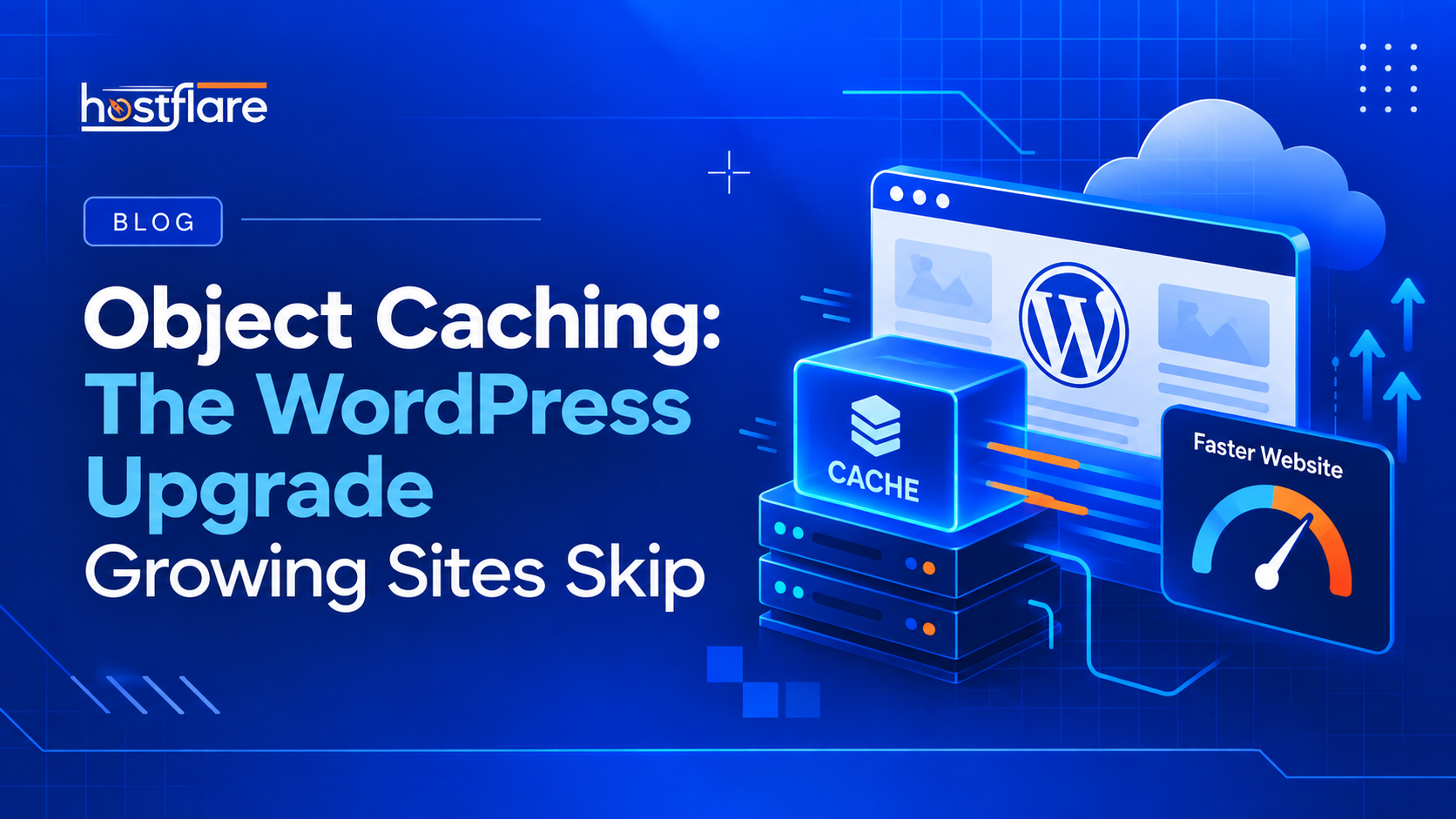
Imagine if, instead of asking the database every single time, your server just wrote the answers on a little sticky note. The next time someone asks, "What's the title of this post?", the server just glances at the sticky note and hands over the answer instantly.
💡 Note: That sticky note is object caching (usually powered by brilliant tools like Redis or Memcached). It remembers the results of complex database queries so your server doesn’t have to do the heavy lifting twice.
Why Are You Skipping It?
Most people skip it because they don't even know it exists! You probably installed a caching plugin, saw your homepage load fast, and thought, "Cool, my job here is done."
But standard plugins usually focus on page caching (saving the visual layout of your whole page). Page caching is amazing, but it completely breaks down when users are doing dynamic things—like logging into their account, adding cute shoes to a WooCommerce cart, or searching your site.
👉 Pro Tip: For those dynamic, personalized actions, you absolutely need object caching. Otherwise, your checkout page might take 10 seconds to load, and literally nobody has the patience for that.
How to Actually Get It
This is where it gets a little tricky, because you can't just install a random plugin to magically turn it on. Your web hosting provider actually has to support it at the server level.
If you’re on a super cheap, shared hosting plan from 2012, they probably don’t offer it. (Insert sad trombone noise here.)
⚡ The Ultimate Fix: But here’s the fun part: If you’re hosting with HostFlare WordPress Hosting (which, let’s be honest, you totally should be), we already have ultra-fast Redis Object Caching built right into our servers! Our servers are basically highly-caffeinated track stars ready to sprint for your database. 🏃♂️💨
All you have to do is click a button in your HostFlare control panel, and boom—instant speed boost. No coding degree required. It’s almost too easy.
The Final Verdict
If your WordPress site is growing, you run a WooCommerce store, or you manage a busy membership site, object caching isn't optional anymore. It's the hidden upgrade that separates the slow amateur sites from the snappy, professional ones.
Check with your host today to see if they offer it. And if they don't... well, I know a really cute, incredibly fast hosting company called HostFlare that would absolutely love to take care of you. Just saying! 😇