


 19/04/2025
 by Sarah Blake
 Copy
Link
Copy
Link
When you’re launching a website or managing web hosting, one of the first choices you’ll make is selecting a control panel. This panel becomes the command center of your website — where you manage domains, files, emails, backups, and more.
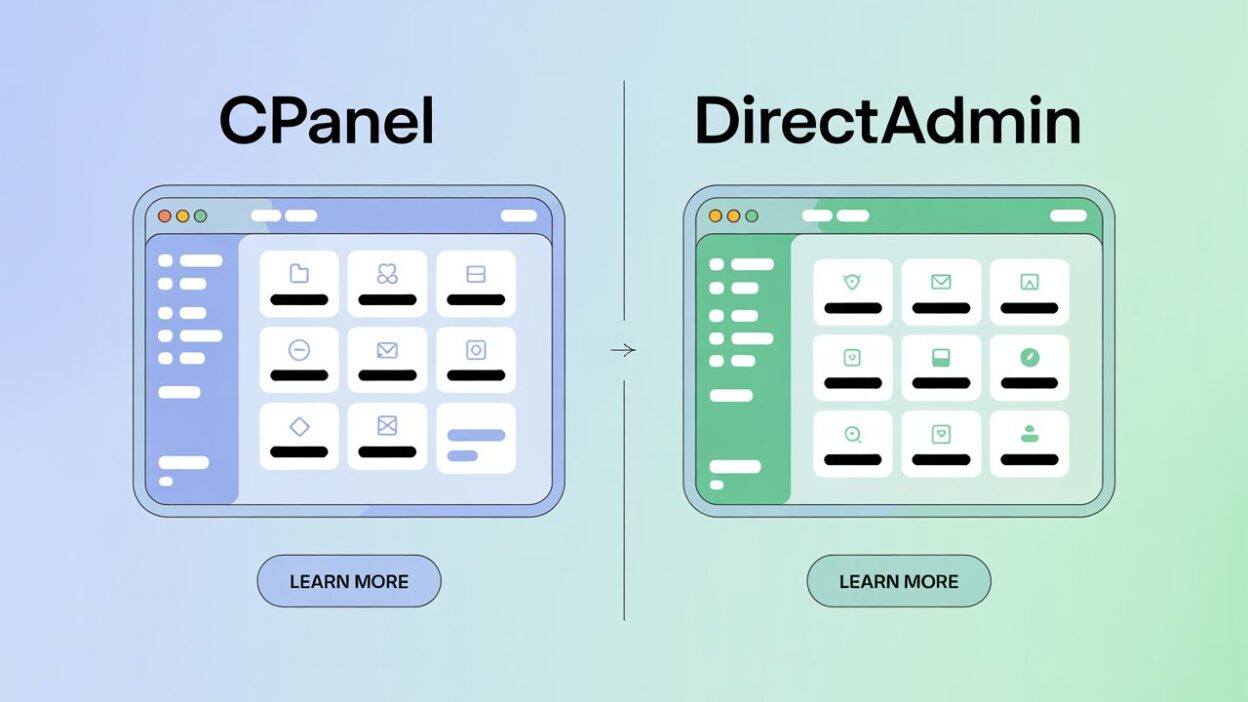
Two of the most popular options in 2025 are: - cPanel – The well-known industry leader. - DirectAdmin – A lightweight, cost-effective alternative that’s gaining popularity fast.
But… which one is the right fit for you? 🤔 In this post, we’ll break down both options in plain English — with no techy overload — and help you choose the one that fits your needs best.
🚀 What is a Control Panel?
Think of a control panel as the dashboard of your website. Instead of typing commands in a black terminal screen, you get an easy-to-use interface where you can:
- Add new websites or subdomains
- Manage files and folders
- Create professional email accounts (like yourname@yourdomain.com)
- Set up SSL certificates
- Install WordPress in one click
- And a whole lot more
So choosing the right control panel can literally save you time, money, and headaches.
✨ Overview of the Two
🔷 cPanel
cPanel has been around since the late 1990s — and for good reason. It’s polished, intuitive, and packed with features. If you’ve ever used shared or reseller hosting, there’s a high chance it was powered by cPanel.
🟢 DirectAdmin
DirectAdmin is the lightweight underdog that’s been quietly building a reputation. It may not have the glossy look of cPanel, but under the hood — it’s fast, stable, and very reliable.
We offer DirectAdmin in all of our plans, including FlareLite, our budget-friendly option.
⚖️ Detailed Comparison: cPanel vs DirectAdmin
Here’s a full breakdown of both panels so you can decide clearly:
| Feature | cPanel | DirectAdmin |
|---|---|---|
| User Interface (UI) | Very clean and polished, with clear categories and icons. Great for beginners. | Simpler layout, not as flashy, but still easy once you get used to it. |
| Speed & Performance | Heavier on RAM and CPU; may slow down on small VPS or shared servers. | Lightweight, very fast — even on low-resource servers. Ideal for performance. |
| Pricing | More expensive due to recent license model changes. | Cheaper licensing — a great fit for startups and budget users. |
| Features | Extensive features out-of-the-box. Strong app installer, file manager, backup system, and email tools. | All core features are there. Some advanced features may require manual setup. |
| Security | Excellent security integrations. Works well with Imunify360, CSF Firewall, and more. | Solid security with configurable settings. Also supports 2FA and brute-force protection. |
| Plugin Ecosystem | Huge — hundreds of plugins and third-party integrations. | Fewer plugins available, but covers most standard needs. |
| Updates & Stability | Regular updates and a long track record. | Extremely stable — known for very low crash rates. |
| Learning Curve | Beginner-friendly. Most users can get started in minutes. | Slight learning curve for absolute beginners, but very doable. |
| Email Management | Smooth interface for email setup, forwarding, filters, spam protection. | All key tools included. Simpler interface, but fully functional. |
| Database Management | Integrated phpMyAdmin, remote DB access, database wizards. | Includes all standard DB tools. Just not as shiny. |
| Reseller Friendly? | Yes — top choice for resellers. | Also good — especially since it’s cheaper for managing multiple accounts. |
| Best For | Beginners, bloggers, agencies, WordPress users. | Developers, resellers, techies, and performance seekers. |
🧠 Which One is Better for You?
Let’s simplify this:
✅ Go for cPanel if you: - Are just starting out and want the most user-friendly experience - Prefer a visually clean interface and smooth navigation - Want quick WordPress installation and built-in tools - Run an agency or multiple client websites - Don’t mind slightly higher pricing for better ease
✅ Go for DirectAdmin if you: - Are a developer, reseller, or power user - Need performance without sacrificing too much UI - Are running multiple websites and care about cost - Want a control panel that works great even on small servers or VPS - Like having more backend control and speed
👉 All HostFlare plans are proudly powered by DirectAdmin. They are perfect for personal projects, small businesses, or dev testing.
🛡️ Performance & Security Comparison
While both panels handle performance and security well, here are some quick thoughts: - cPanel works beautifully with CloudLinux, Imunify360, LiteSpeed, and other tools. It’s made for performance optimization — but that does come at a server resource cost. - DirectAdmin is faster by design. It uses fewer resources and works well on low-RAM systems. Great if you’re managing multiple small sites or working on a tight server budget.
When you host with HostFlare, you don’t need to worry — we’ve fully optimized our DirectAdmin infrastructure so you always get blazing-fast performance and layered security.
💬 Conclusion
At the end of the day, both control panels are excellent choices.
The right one depends on you. - If you want ease, simplicity, and a wide ecosystem: Go with cPanel. - If you want speed, affordability, and flexibility: Go with DirectAdmin.
And hey — if you’re still confused, chat with our support team. We’ll help you figure it out based on your project, goals, and budget.
🟢 Power, control, and freedom — that’s what HostFlare gives you. No limitations. Just possibilities.
Happy hosting!
